

Shape a scene from setup to resolution
Plan the setup, turning point, and closing image. The longer Seedance 2.5 canvas lets atmosphere and context develop before the action resolves.
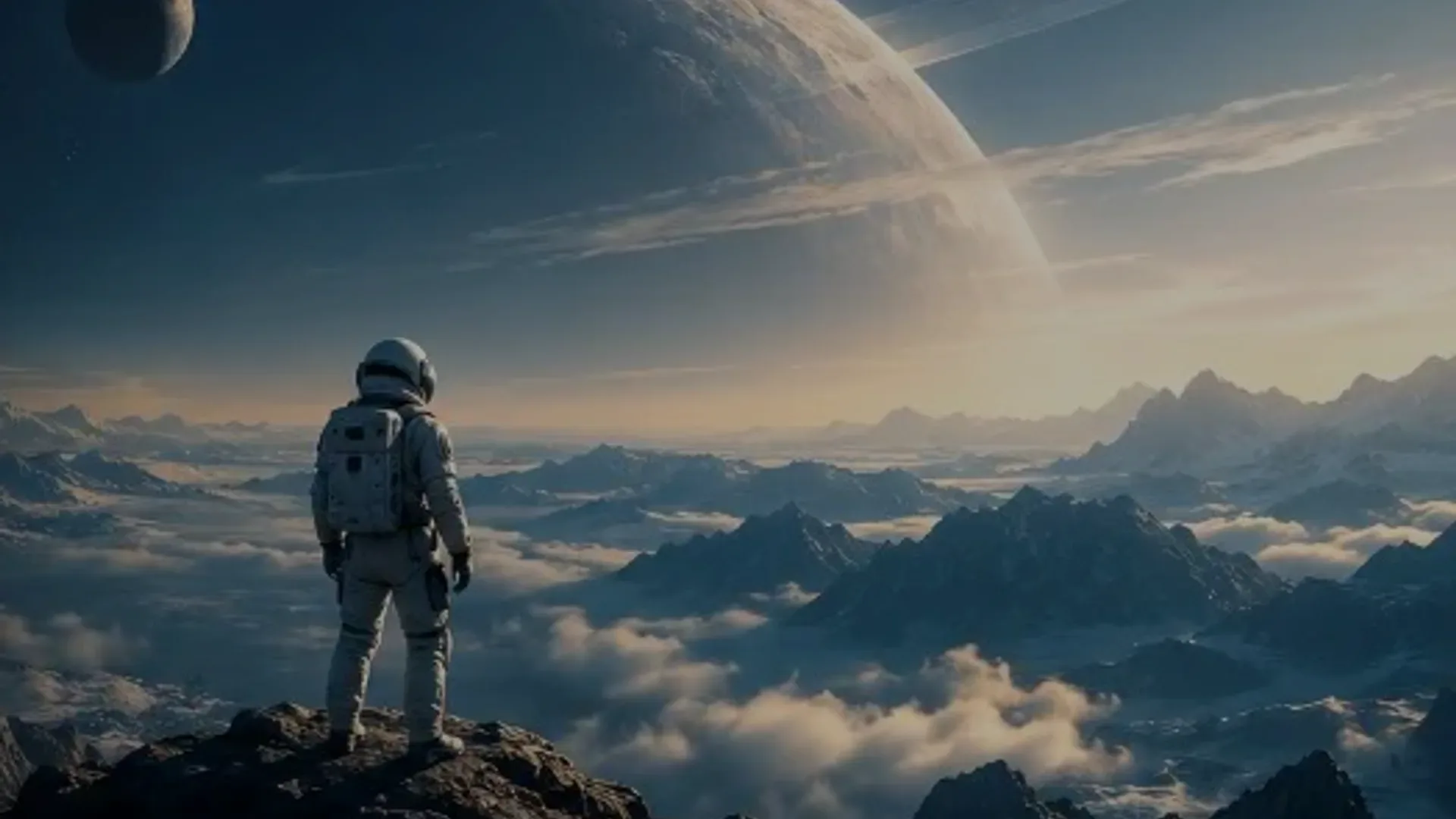
Create directed videos with Seedance 2.5 using text prompts, images, video and audio references, first and last frame control, and clips from 4 to 30 seconds. Start with a clear idea, then refine the shot in one practical workspace.
A new way to direct AI video
Seedance 2.5 is ByteDance Seed's new-generation video model for creators who want to test a complete visual idea before committing to a longer production process. In MiniArt, the Seedance 2.5 video generator connects a written brief with still images, video references, audio guidance, and the choices that shape a cinematic shot, moving a concept from outline to reviewable draft in one place.
The generator supports text to video and image to video creation with 4–30 second outputs, plus first and last frame control. Establish a character, prop, composition, or opening frame with an image, use a short clip to suggest camera travel, and describe the action in chronological order. Seedance 2.5 is useful for cinematic tests, product reveals, social storytelling, storyboard exploration, and visual experiments that need a readable beginning and ending.
Seedance 2.5 builds on the broader Seedance family, including Seedance 2.0, while giving teams a newer workflow to evaluate beside other video models. Choose it when a bounded shot, timing, and visual endpoints matter; compare Seedance 2.0 when a reference-heavy creative experiment is the better fit. MiniArt is an independent AI creation platform, not the official ByteDance website.
See the workflow in action
Study cinematic story beats, reference-shaped composition, deliberate camera travel, visual continuity, and scenes with a planned dramatic endpoint.
Plan the setup, turning point, and closing image. The longer Seedance 2.5 canvas lets atmosphere and context develop before the action resolves.

Use a strong reference beside an ordered prompt when a character, object, costume, or composition must remain recognizable through movement.

Establish the opening frame, evaluate the scene arc, and revise the moment that needs stronger blocking, camera language, or transition.
Observe how a visual anchor and camera direction combine into a focused, legible sequence.
Keep the main subject intact while exploring new blocking, lens behavior, framing, pace, or atmosphere.
Assess atmosphere, continuity, pacing, texture, and dramatic resolution across the whole clip, not just its first image.
Creative control without extra complexity
Use the Seedance 2.5 generator when the subject, movement, timing, and ending all need to work together. Good prompts stay specific about what changes through time and let each reference perform one clear job.
Guide Seedance 2.5 with a written brief, images, a motion clip, or audio direction. Explain whether each input controls identity, camera rhythm, atmosphere, or timing so references support one another instead of competing in the Seedance 2.5 workflow.
Set a deliberate opening and closing image for a product reveal, transition, visual loop, or short narrative. The boundaries give your Seedance 2.5 video a clearer shape before you iterate on the middle of the Seedance 2.5 shot.
Create a compact action or a longer social-ready beat with Seedance 2.5 in the current generator. A longer canvas gives movement and performance more room, while a shorter duration can be better for rapid creative testing.
Describe the subject, setting, action order, camera movement, light, style, and sound intention as one sequence. Seedance 2.5 responds best when a prompt says what happens first, what changes next, and how the Seedance 2.5 shot finishes.
Use a person, product, illustration, or key frame to anchor the visual identity in Seedance 2.5. Then direct motion, expression, camera behavior, and atmosphere so the source image remains meaningful while the scene comes alive.
A video reference can suggest camera travel, body movement, pace, or transition energy in Seedance 2.5. Review the whole result for identity, physics, text, and audio timing; long clips still benefit from focused prompts and a few intentional iterations.
From idea to finished clip
A strong Seedance 2.5 result begins with a shot brief that explains dramatic progression instead of listing disconnected visual adjectives.
01
Define the subject, world, action order, camera path, light, style, and sound intent. Describe the setup, change, and resolution as a clear timeline.
02
Provide stills for identity or composition, clips for movement, and audio for rhythm or atmosphere. Every asset should support the same cinematic direction.
03
Match duration, aspect ratio, quality, and endpoint frames to the viewing context. A wide establishing shot, vertical character beat, and storyboard test require different compositions.
04
Review identity, anatomy, contact physics, camera continuity, text, sound timing, and the closing composition. Adjust one creative variable per pass to understand what improved.
Built for work people publish
Seedance 2.5 works for early visual exploration and more directed scene production. Begin with the story purpose and audience, then select references that make creative success easy to evaluate.
Translate a campaign idea into a short scene with an intentional opening, product action, and memorable resolution. First and last frames give the team fixed points for review.
Anchor form, color, packaging, and material detail with product references, then stage a reveal, rotation, demonstration, or lifestyle moment with controlled camera language.
Turn a screenplay beat or storyboard panel into a moving scene test. Seedance 2.5 helps teams compare framing, atmosphere, blocking, lens choices, and pace before a shoot.
Bring a designed figure into motion while protecting its silhouette, costume, and world language. Limit each pass to one performance and one camera concept to reduce drift.
Let audio establish rhythm, ambience, tension, or a dramatic reveal. Treat generated sound as a draft layer and verify music, voice, rights, and synchronization before release.
Compose a vertical scene around one immediate visual premise. Introduce the strongest moment early, preserve readable action, and leave intentional negative space for captions.
Version guide
| Dimension | Seedance 2.5 | Seedance 2.0 |
|---|---|---|
| Current workflow | MiniArt workflow with 4–30 second generation and first/last frame control. | Seedance 2.0 offers an established reference-driven workflow for directed multimodal video. |
| References | Text plus image, video, and audio references. | Seedance 2.0 combines text, stills, motion clips, and other references for creative direction. |
| Best fit | Bounded shots where timing, duration, and visual endpoints matter. | Seedance 2.0 suits reference-heavy experimentation and multi-input creative development. |
| How to choose | Start here when a complete 4–30 second shot is the clearest test. | Compare this option when the existing Seedance 2.0 workflow matches your references. |
Practical answers about using Seedance 2.5 for text to video, image to video, references, frame control, and production planning.

Turn a prompt, storyboard image, motion reference, or audio idea into a directed AI video. Start with Seedance 2.5, then compare Seedance 2.0 and other models in the same MiniArt workspace.